

A customer asks whether an urgent order can ship earlier than promised. The sales team wants to say yes, but the production planner sees a different picture: several machines already have jobs assigned, a specialist operator is unavailable, and the urgent part needs an inspection step before packing. Adding the order at the top of a spreadsheet will not resolve those conflicts.
AI production scheduling can help manufacturers test where an urgent job fits without overlooking the work already committed. It combines order priorities with real machine capacity, material availability and production rules. This guide explains the information a scheduling system needs, the decisions it should support and how planners can use its recommendations without giving up control of the factory schedule.
Why an urgent order is rarely just another row
A rush order competes for more than machine time. It may require a particular tool, certified operator or allocated material. An apparently free machine may be awaiting maintenance or calibration. Existing customer promises matter too.
Traditional planning often starts from due dates and expected process times. That is useful for estimating demand, but a feasible dispatch sequence must account for actual restrictions. This is the purpose of finite capacity scheduling: assigning operations only when an eligible resource and the required materials are available. Siemens describes capacity planning as a way of keeping schedules within the limits of production resources in its manufacturing capacity planning guide.
Give the scheduling engine facts it can trust
A useful schedule depends on a clean record of work and resources. Before introducing an optimizer, define the fields that matter to the actual workshop.
Orders and routing
Each order needs a confirmed quantity, due date, priority, product specification and routing. The routing should identify the operations needed and which work centres can perform them. Include inspection, external processing and packaging where these affect dispatch. A job that looks finished after machining may still be waiting for quality approval.
Resources and calendars
Record machine capabilities, shifts, planned downtime, tooling restrictions and labour qualifications. Machine constraints are often specific rather than universal. A milling machine may handle one component size but not another. An operator may be available for the morning shift but not qualified to run a particular process. Those differences must be represented in the system.
Materials and actual progress
The system needs reliable inventory allocations, expected receipts, work in progress and confirmed operation completions. Data from a manufacturing execution system or shop-floor terminal is particularly useful. Shop floor data provides the evidence to distinguish a job that is planned, a job that has started and one that has really finished.
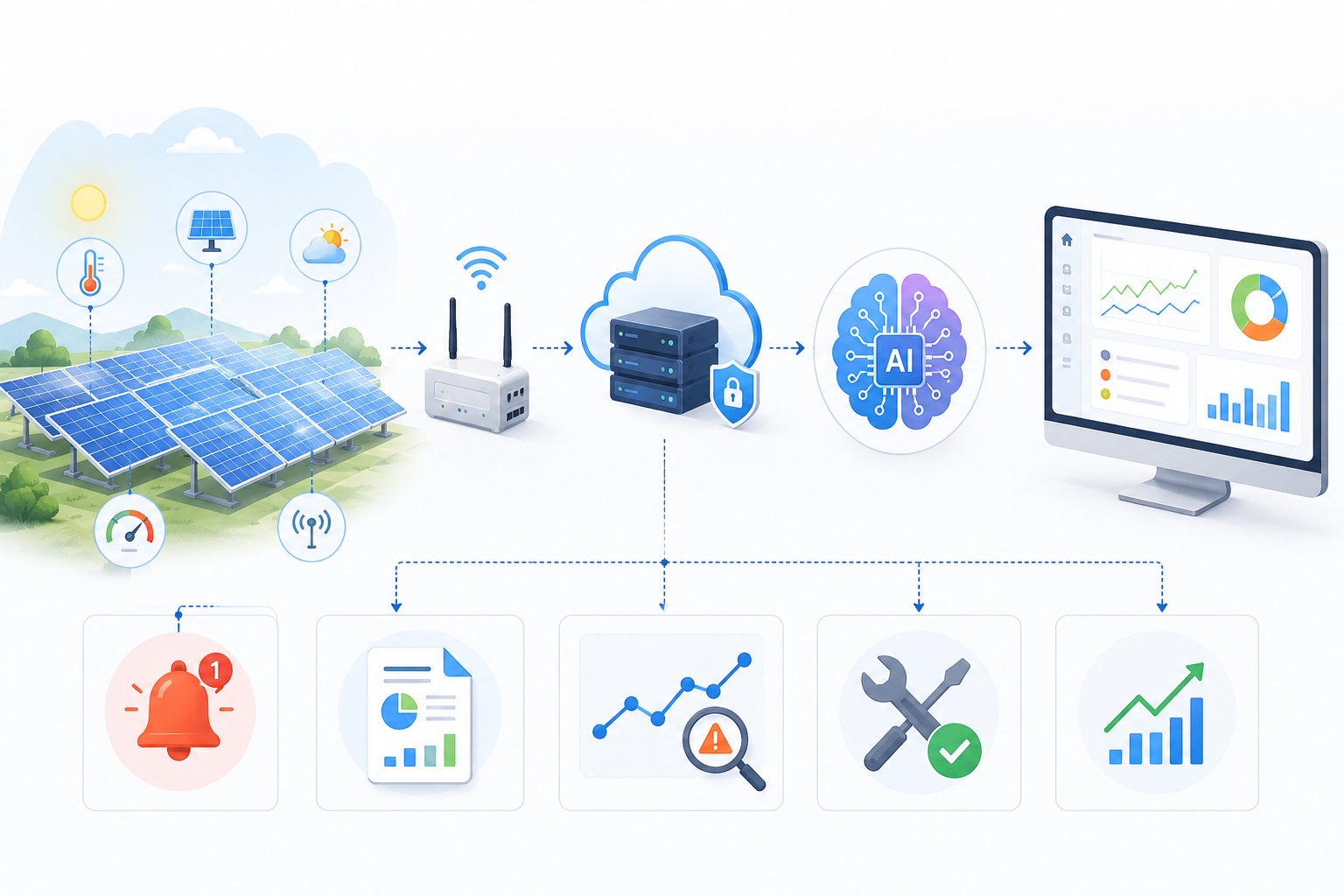
A robust design normally connects ERP integration for orders and stock with production status updates and an equipment calendar. Manufacturers exploring manufacturing software development should map these data owners before building new dashboards. Otherwise, the scheduling application may display a polished plan based on outdated records.
Handle rush orders as a controlled decision
When rush orders arrive, planners need a quick answer that is still defensible. A practical scheduling workflow can follow this sequence.
First, confirm what the customer actually needs. Is the entire quantity urgent, or would a partial shipment solve the problem? Is a specific delivery date fixed, or is the request simply for the earliest possible dispatch? The answers affect how much of the current schedule must change.
Next, check whether material is genuinely available. Stock shown in a warehouse is not always unallocated stock. Components may be reserved for another order, under quality hold or located at another facility. The scheduling system should flag these conditions before proposing a start time.
Then generate feasible options. The software might place the urgent job in a suitable gap, transfer an operation to an approved alternative machine or propose overtime where business rules permit it. Each option should show consequences for other work. This is what-if scheduling: comparing the impact of a decision before anyone changes the shop-floor sequence.
Finally, require planner approval for changes that alter committed dispatch dates, create overtime or exceed a defined cost threshold. An algorithm should not quietly deprioritize an existing order because a new request carries a higher label in a sales system.
Treat the machine calendar as a live commitment
Machine availability is not the same as machine ownership. A factory may have several units of the same type, but only some may have the correct tooling, maintenance clearance or operator support. Machine availability should be calculated from each resource's real calendar, not a broad assumption that every machine operates throughout the shift.
Setup and cleaning deserve similar attention. Changing from one product family to another may require tool replacement, material purging or a documented quality check. The relevant changeover time can vary with job sequence. Grouping compatible orders can reduce unnecessary setups, but grouping everything may push an urgent shipment too far back.
Choose priorities the factory can explain
A scheduling system needs an objective, but “optimize production” is too vague. Operations managers should agree on which outcomes matter: on-time delivery, minimized changeovers, reduced overtime, higher throughput or stable work-in-progress levels. These goals sometimes conflict.
One approach is to set hard constraints and soft preferences. Safety restrictions, material availability and approved machine capabilities are hard constraints. Preferred machine assignments, target sequence and some due-date preferences are softer rules. Hard constraints cannot be broken to improve a calculated score; softer rules can be weighed and clearly displayed.
Production schedule optimization works best when planners can understand why a sequence was proposed. A useful interface shows the affected orders, resource conflicts and reasons for an alternative. It should also let an authorized planner lock a critical job before running another scenario.
Where AI helps, and where ordinary rules are enough
Not every scheduling task needs machine learning. Constraint-based optimization can allocate jobs against resource calendars and routing rules without predicting anything. AI adds more value where uncertainty matters, such as estimating processing duration from historical jobs, anticipating late material receipts or identifying repeated causes of schedule changes.
An effective production planning software platform may therefore combine deterministic scheduling rules with predictive models. The model can suggest a likely completion range, while the scheduler decides where operations can legally and practically fit. Predictions should be compared with actual results by product family, machine and shift. Poorly performing estimates must be corrected rather than treated as fact.
For teams considering AI software development services in the USA, the design brief should identify what is being predicted, what is being optimized and what still requires human authorization. Those are different functions. Keeping them separate makes the system easier to test and maintain.
Design the interface around planning decisions
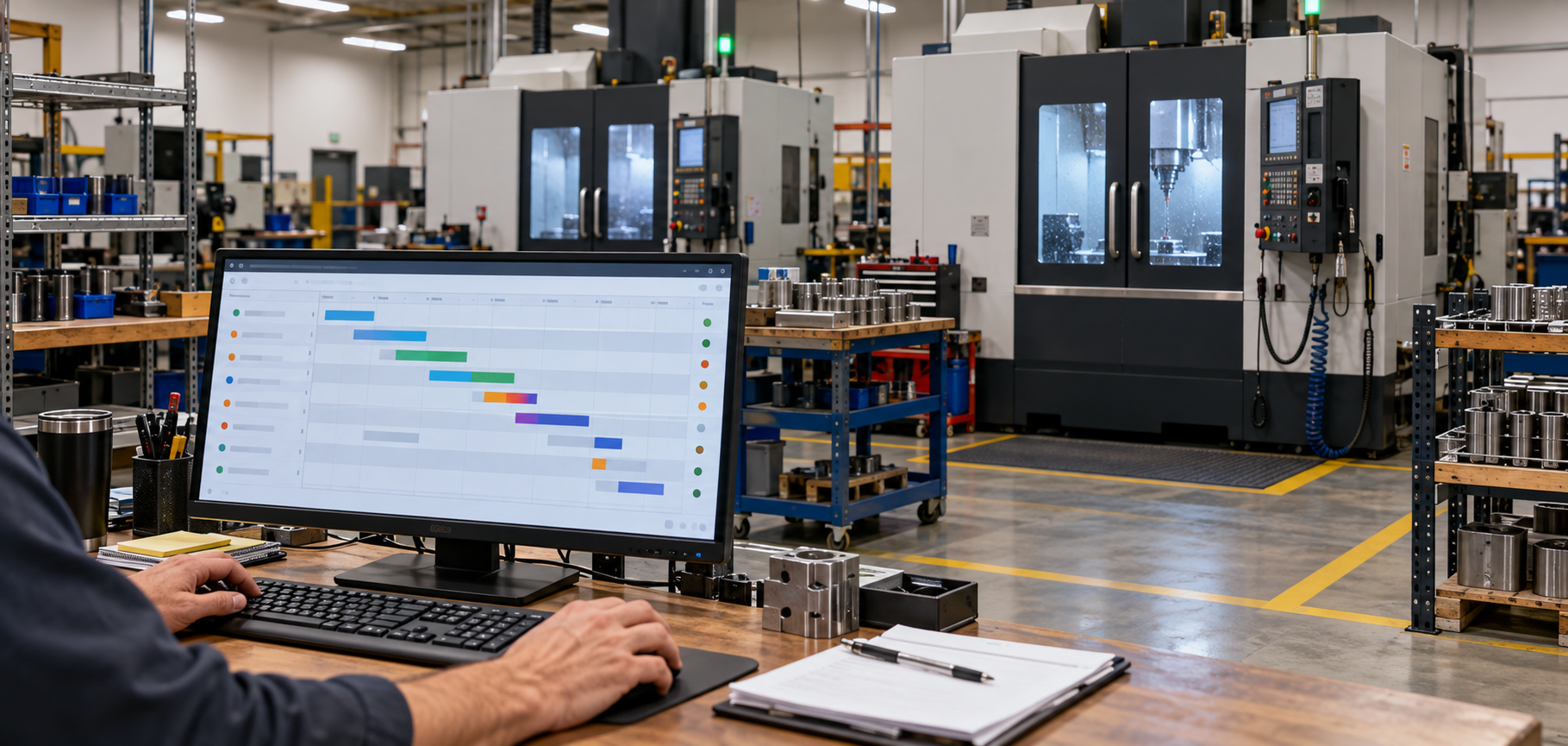
Use a dispatch board with filters for order, work centre and shift. Mark operations that are waiting for material, quality clearance or maintenance release. Where a machine failure changes the plan, provide an affected-orders view rather than asking the planner to inspect the entire schedule manually.
The system should preserve approved schedules and reasons for revisions. This history helps managers investigate recurring disruptions and prevents confusion when supervisors rely on an earlier version.
Remote access can be useful for multi-site plants, provided the platform applies role-based permissions and reliable synchronization. The choice between on-premise and cloud consulting services depends on connectivity, existing systems and the factory's security requirements. Neither deployment model removes the need for accurate operational data.
Roll out the system without interrupting dispatch
Start with a contained production area whose routings and resource calendars are well understood. Run the proposed schedule alongside the existing process, then compare predicted starts, actual completions, overdue orders and planner overrides. Do not measure success only by whether a visually appealing schedule appears.
Agree on ownership early. Sales confirms customer priorities, procurement maintains material dates, maintenance updates equipment status, production confirms actual progress and planning approves the final sequence. Without these responsibilities, the system cannot reliably determine which information is current.
Frequently asked questions
Can AI automatically accept a rush production order?
It can calculate feasible delivery options, but customer commitments should normally be confirmed by authorized staff. Material shortages, contractual obligations and operational risks may require judgment beyond the model's recommendation.
Does scheduling software replace an ERP or MES?
Usually not. ERP supplies business orders and inventory records, while MES or shop-floor systems provide production activity. Scheduling software connects those inputs to build and revise a feasible sequence.
What if a machine breaks down after the schedule is approved?
Maintenance should update the machine's status. The scheduler can then identify affected orders and propose alternatives for planner review, including revised dates or eligible replacement equipment.
Can smaller manufacturers use finite capacity scheduling?
Yes, if their jobs compete for limited machines, operators or materials. A focused tool covering a few critical resources may be more useful than a complex system that requires data the factory cannot maintain.
Bringing the plan into daily operations
Better scheduling begins with reliable resource calendars, consistent routing data and clear rules for approving change. The practical solution is a connected planning application that tests rush-order options, explains machine conflicts and updates approved schedules as conditions change.
Theta Technolabs develops custom AI-powered production scheduling solutions using Python-based optimization, API integrations and cloud technologies to help US manufacturers manage rush orders, machine availability and production constraints. To discuss your manufacturing software requirements, contact us at sales@thetatechnolabs.com.


_How%20Cloud%20Solutions%20Are%20Enhancing%20Remote%20Patient%20Monitoring%20in%20Healthcare_Q4_25.jpg)
_Streamlining%20Appointment%20Scheduling%20with%20Cloud%20Computing%20in%20Dallas%20Healthcare_Q4_25.jpg)
_The%20Impact%20of%20Cross-Platform%20Apps%20on%20Real%20Estate%20Market%20Trends%20in%20Dallas_Q3_24-1.jpg)
_How%20AI%20is%20Enhancing%20Construction%20Site%20Surveillance%20and%20Security%20in%20Dallas_Q3_24-1.jpg)
_Web%20Apps%20for%20Retail%20and%20eCommerce_%20Streamlining%20Operations%20and%20Reducing%20Costs_Q3_24.jpg)
_Enhancing%20Driver%20Safety%20and%20Compliance%20with%20Web%20Apps%20in%20the%20Logistics%20Sector_Q3_24.jpg)


_Integrating%20Chatbots%20Into%20Your%20Application.jpg)
_How%20much%20does%20it%20cost%20to%20create%20an%20android%20app%20in%202024%20for%20Startups_%20A%20detailed%20guide_Q2_24.jpg)
_Key%20Trends%20in%20Healthcare%20Software%20Development%20for%20the%20Future_Q2_24.jpg)
_Best%20iOS%20App%20Development%20Company_%20Enhancing%20User%20Engagement%20with%20Push%20Notifications_Q2_24.jpg)
_Chatbots%20for%20Event%20Management%20and%20Hospitality%20Services_Q1_24.jpg)
_Choosing%20the%20Right%20App%20Development%20Company_%20A%20Comprehensive%20Guide_Q1_24.jpg)