A shopper visits a Los Angeles electronics store looking for a compact printer. The printer on display is suitable, but the shelf is empty. A staff member checks the storeroom, then the stock system, only to discover that another branch has it.
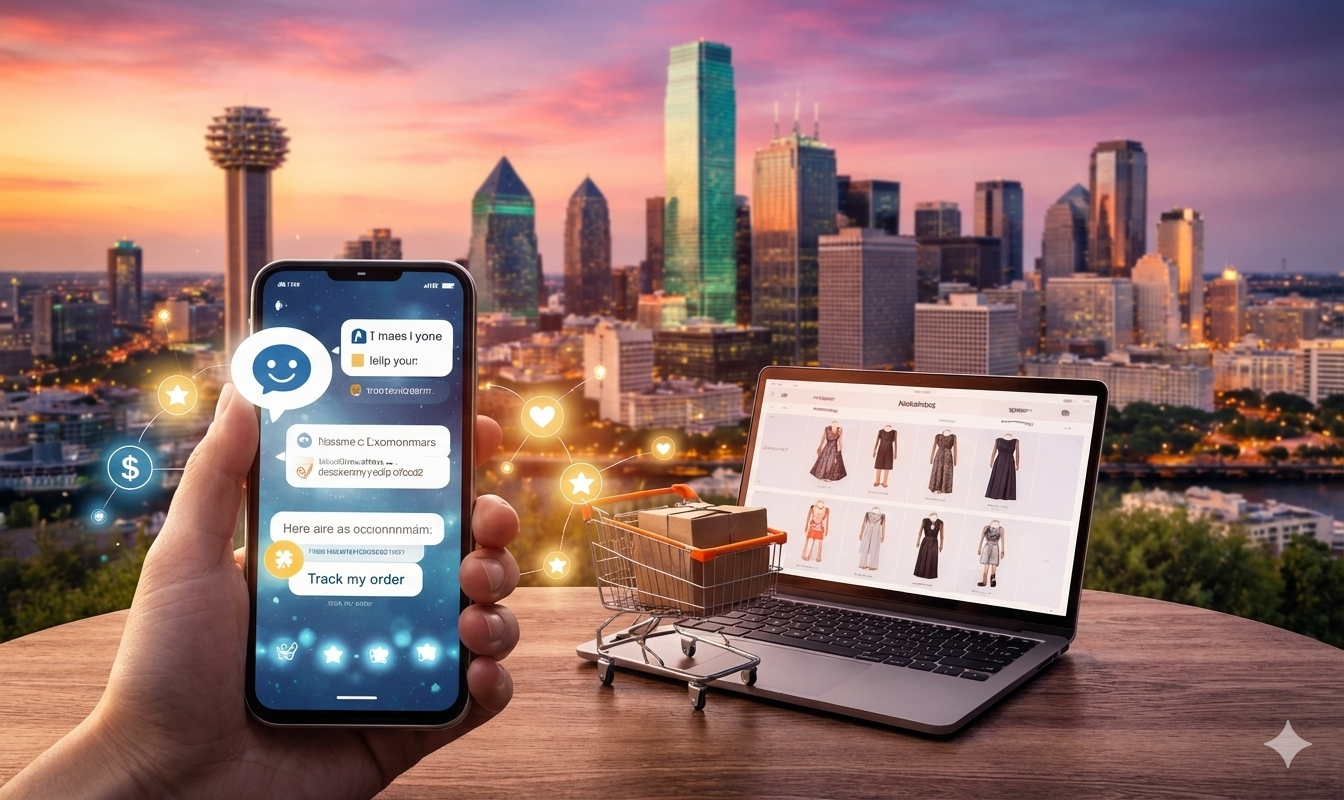
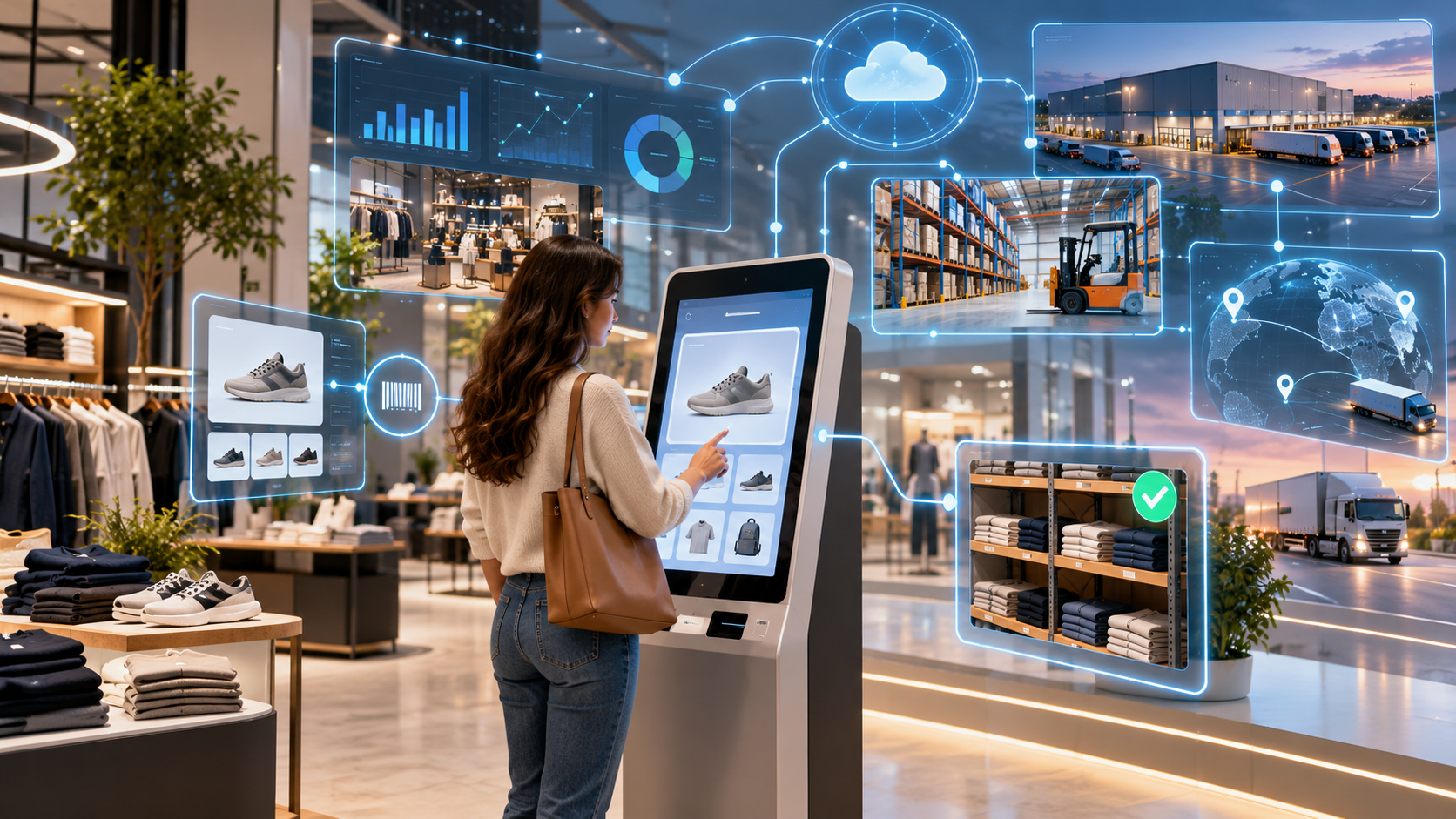
A connected retail kiosk could give the shopper that answer in a few taps. It could also suggest a similar printer available at the current location. The key is not the touchscreen itself. It is the connection between product search, reliable catalog records, and inventory that changes throughout the day.
How can AI retail kiosks connect product search with live inventory?
AI retail kiosks can match customer searches with product catalog records and check stock availability through connected POS, ERP, or inventory systems. Shoppers can see available products, find alternatives at nearby stores, and explore pickup options. Stock should be confirmed again before a reservation or purchase.
Why Product Search Alone Is Not Enough
Many stores already have digital catalogs showing photos, specifications, prices, and product variations. Yet a customer who finds the right item may still need an employee to answer a basic question: Can I get it here today?
The problem often comes from separate systems. The catalog manages product details, while point-of-sale (POS), warehouse, and enterprise resource planning (ERP) systems track inventory. A kiosk that reads only the catalog may show a product that is no longer available.
That is why retail and e-commerce software solutions need to connect discovery with store operations. Customers should be able to search for an item, choose the right size or version, and see whether the store can actually supply it.
What AI Adds to a Retail Kiosk
Traditional search works well when shoppers know a product name or stock keeping unit (SKU). AI becomes useful when they do not.
Understanding Everyday Search Requests
Someone might type, "headphones for a noisy commute" instead of entering a brand name. Natural language processing and semantic search can identify relevant catalog items based on their intended use, descriptions, and features.
For a Los Angeles apparel retailer, a request such as "lightweight jacket for cool evenings" could return suitable products across several brands. The system should still use approved product descriptions and specifications, rather than inventing features to satisfy the request.
Suggesting Alternatives That Are Actually Available
When a product is unavailable, AI can help rank similar choices. A kiosk might recommend another printer with comparable functions or a jacket in a different color.
Availability should filter those suggestions. Recommending an item that is also out of stock does little to help the shopper. Compatibility matters too: an alternative phone charger, for instance, must meet the device's technical requirements.
Theta Technolabs' Intelligent Retail Kiosk case study describes a system combining AI-assisted product discovery with inventory information. It illustrates the connection between search and stock visibility, rather than suggesting that AI alone maintains accurate inventory.
How Do AI Retail Kiosks Connect Product Search with Live Inventory?
A useful kiosk follows a practical sequence, from understanding the request to confirming the item's availability.
1. Match the Search to a Real Product
AI search identifies possible catalog matches. Each result must then connect to an approved product record containing its SKU, variants, current description, and other necessary details.
A blue shirt in medium and the same shirt in large may look identical in a search result, but their inventory needs to be tracked separately. Incorrect variant mapping can tell a customer that their size is available when it is not.
GS1 US explains the difference between GTINs and SKUs: GTINs identify trade items using a standard system, while SKUs are internal inventory identifiers. Retailers must map identifiers consistently when product and inventory systems use different codes.
2. Ask the Inventory System for Availability
Once the correct product and variant are identified, the kiosk requests availability through an API connected to the POS, ERP, or inventory management system.
The response may include on-hand quantity, location, reservations, and stock in transit. These numbers are not interchangeable. Five units recorded at a warehouse do not mean five units are ready for collection in a particular store.
Retailers need a clear rule for available-to-sell stock, accounting for items already reserved, damaged, or assigned to online orders. Otherwise, a kiosk can display numbers that are technically present in a database but misleading to customers.
3. Show a Clear Result
The customer does not need a complicated inventory dashboard. Useful messages are simple: "Available here," "Available at another location," or "Check with staff."
If reservations or store pickup are supported, the kiosk can offer the next step. It should not promise pickup unless the retailer can confirm and hold the product.
4. Confirm Again Before an Order
Stock can change between a search and a purchase. Two customers may look at the last available unit at nearly the same time.
Before accepting a reservation or checkout request, the system should recheck availability and follow the retailer's stock-allocation rules. If the item has gone, the kiosk should explain that clearly and return to alternatives.
Supporting Customers Across Los Angeles Locations
A multi-store retailer may have inventory in Downtown Los Angeles, Santa Monica, and Pasadena, but not every location can fulfill every request in the same way.
A kiosk should separate stock at this store from stock reported at another store. It can show alternatives by location, but the retailer must decide whether those quantities can be reserved, transferred, or collected immediately.
For example, a customer searching for a specific lamp might find it unavailable locally but listed at another branch. The kiosk can suggest that branch or invite the customer to request confirmation. That is more helpful than presenting an unverified quantity as guaranteed availability.
A related SAP-integrated retail kiosk project shows how product details, pricing, depot information, and inventory visibility can be brought into a self-service interface. The example concerns retail system integration and should not be taken as evidence of a Los Angeles deployment.
Problems Retailers Need to Solve Before Installation
An appealing kiosk screen will not compensate for unreliable data. These are some of the problems worth testing early.
Slow inventory updates. A store may sync quantities every few minutes rather than after each sale. The kiosk should communicate when availability cannot be confirmed and refresh critical information before a reservation.
Mismatched product codes. Catalog, POS, and warehouse systems may identify the same product differently. Missing mappings can lead to wrong sizes, incorrect prices, or results connected to the wrong item.
Stock in the wrong location. An item might appear as available because it is in a backroom, receiving area, or delivery shipment. The kiosk should show what the customer can actually obtain, not just the total recorded quantity.
Network interruptions. If the kiosk loses its connection, it can still allow catalog browsing, but it should not display an old stock count as live information. A clear message and staff assistance are better than an incorrect promise.
Difficult navigation. Large touch controls, readable text, straightforward filters, and accessible design matter as much as sophisticated search. A customer who cannot correct a search or go back easily may stop using the kiosk.
How to Introduce AI Retail Kiosks Without Overcomplicating the Store
Start with the questions employees answer repeatedly. Are shoppers asking where products are located? Whether a size is available? Whether another branch has an item?
Then review the systems that hold the answers. Check product identifiers, inventory refresh methods, reservation rules, and whether secure APIs are available. A basic SKU lookup connected to reliable stock data may be more useful initially than an elaborate AI assistant.
After that, add natural language search for customers who describe needs instead of product names. Test it against real catalog wording, common spelling mistakes, unavailable products, and ambiguous requests.
Before wider deployment, observe how customers use the kiosk during busy periods. Staff should be able to help when a result is unclear. Retailers should also avoid asking shoppers for personal details unless those details are needed for a specific function.
What Should Retailers Measure?
Search volume alone does not show whether a kiosk is helping. Better measures include successful product searches, accurate stock lookups, failed searches, requests for employee assistance, and confirmed reservations where supported.
Review cases where the kiosk said an item was available but staff could not find it. Those mismatches often reveal a catalog, inventory, or store-process issue that AI search cannot solve on its own.
The goal is a customer who can find a suitable product and make an informed decision without unnecessary steps.
Frequently Asked Questions
1. How do AI retail kiosks help customers in stores?
AI retail kiosks help customers search for products, check stock availability, find similar items, and view inventory across store locations without waiting for staff support.
2. Why is live inventory important for retail kiosks?
Live inventory helps customers see whether a product is available at the current store, another branch, or through delivery. Without updated inventory, a kiosk may show products that are not actually available.
3. What is the main benefit of connecting product search with inventory?
Connecting product search with inventory gives shoppers useful answers during their buying process. They can find the right product, check availability, and consider alternatives in one place.
4. Can AI retail kiosks support multiple store locations?
Yes. AI retail kiosks can connect with inventory systems across multiple stores, helping customers see whether an item is available nearby and reducing unnecessary product inquiries.
Conclusion
AI retail kiosks can help Los Angeles retailers turn product searches into useful answers about what is available, where it is located, and what alternatives customers can consider. The most important work happens behind the screen: accurate product records, timely inventory updates, and clear rules for reservations and pickup.
Theta Technolabs helps businesses develop connected retail software that brings product discovery and inventory information into a practical in-store experience.
For implementation discussions, contact us at sales@thetatechnolabs.com.